Summarize 10 YouTube Videos using Get Recall for Free – AI YouTube Video Summarizer
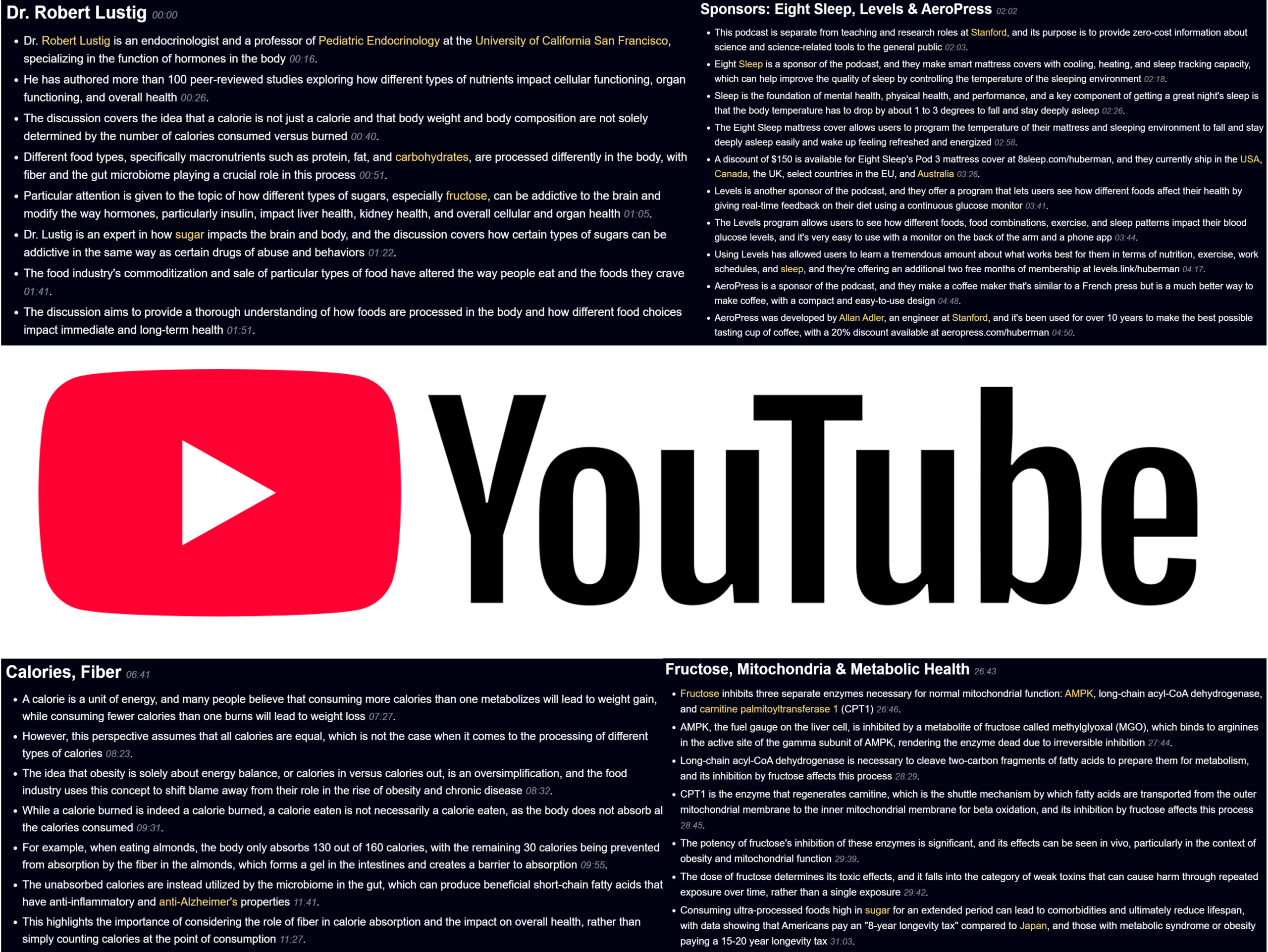
With the spread of the internet and smart mobile devices across the globe, YouTube has become one of the most visited online platforms in the world, with over 2.70 Billion active monthly users. Many Internet users go to YouTube not only for entertainment but also to watch and learn recipes, languages, academics, and other regular updates on current affairs. If you prefer to consume information from YouTube but can not find enough time to catch up with all the videos from your favorite creators, Get Recall AI has a cool feature for you – AI YouTube Video Summarizer.
In this blog, we will go through a step-by-step guide on how to summarize YouTube Videos using Get Recall AI. Before we get started, make sure you have an account with Get Recall or the Get Recall chrome extension. If you don’t have either, you can Sign Up or Install the Chrome Extension to get started. For this example, we will use AI to summarize the Dr. Robert Lustig: How Sugar & Processed Foods Impact Your Health YouTube video. The YouTube Video is about 3.5 hours long and found on Andrew Huberman YouTube Channel.
Step 1: Add the YouTube Video link to summarize
First you will need to copy the YouTube video URL that you want to summarize.
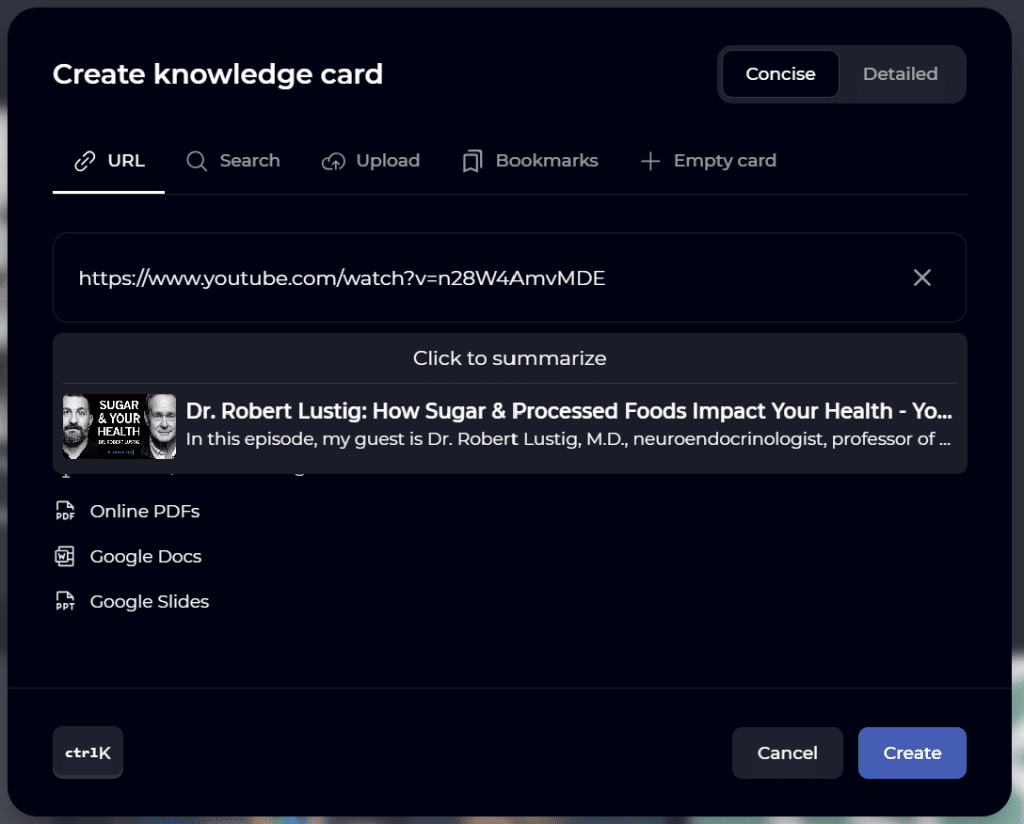
Next, click the NEW button on the top right of the screen. The knowledge card will open up. In the knowledge card, ensure the URL option is selected. Then paste the link in the “Paste a URL here” box.
Next, choose between the concise and detailed summary options, which will determine the length of the summary.
Step 2: Summarize the YouTube video
Now that you have the YouTube Video URL in the create knowledge card box and have chosen between concise and detailed option, you can summarize the YouTube video by hitting CREATE in bottom right corner of the knowledge card. You can also hit the CLICK TO SUMMARIZE button.
Get Recall will generate the summary for your YouTube Video in a matter of few seconds. This summary will be saved as a knowledge card in your Get Recall account. The concise option takes notably shorter span to generate a summary whereas a detailed summary takes a little more.
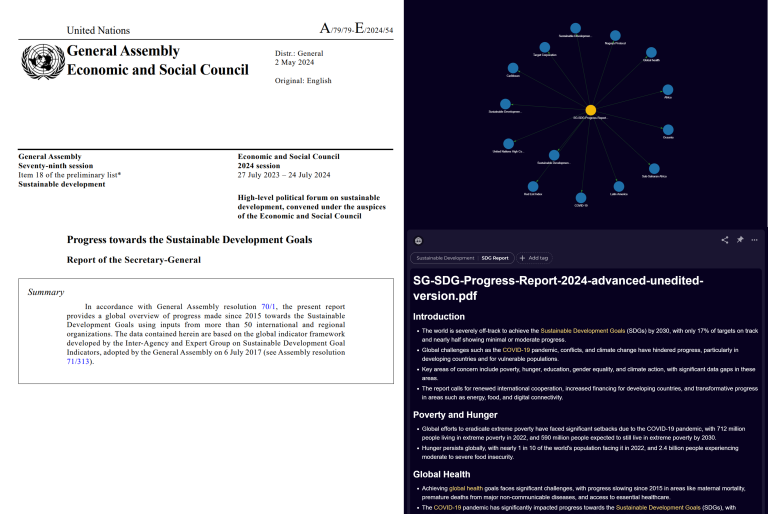
You will notice that your summary will comprise headings and multiple bullet points. Thanks to artificial intelligence, you can summarize long videos into organized key points.
Step 3: Modify and Analyze the YouTube Video Summary
Once the summary is ready, you can modify and/or analyze it in multiple ways as mentioned below.
- Add Tag – You can add tags to keep your cards organized.
- Edit the titles and body – You can edit the summary generated by Get Recall to add a human element.
- Share the Summary – You can share the summary as a link to your coworkers or friends
- Pin or Unpin the Summary – By default, the card will be pinned, but you can choose to unpin it
- Generate Questions – You can generate questions from the pdf summary and test your knowledge by answering questions
- Export to Markdown – You can export the summary as a .md file format.
- Delete – Remove the summary card
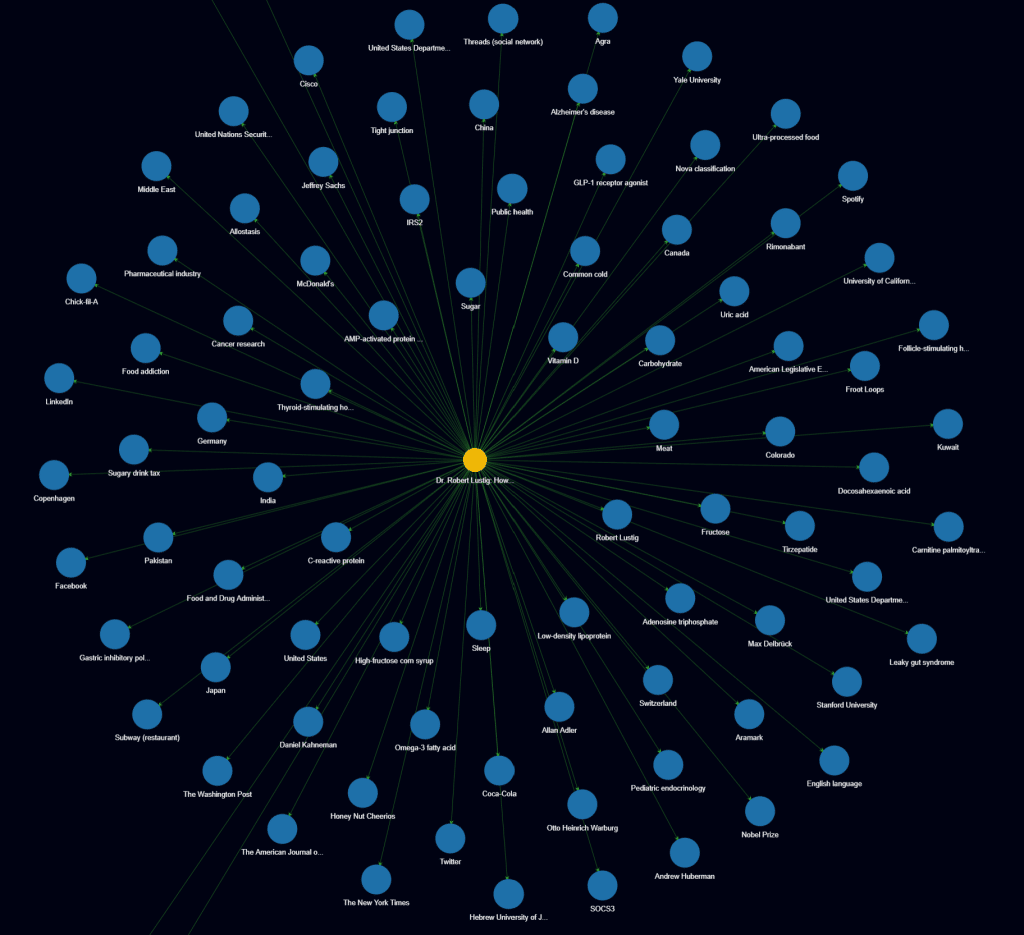
- Switch to Graph View – The Graph View looks like mind maps and helps grasp information more visually.
Word of the Wise on the AI YouTube Video Summarizer – Get Recall
- Watching YouTube videos on 2x and going through its transcript are not the most efficient ways to grasp the knowledge. So use Get Recall to summarize YouTube videos.
- Start by using the concise option. If you still need more detail, then use the detailed option.
- You only summarize 10 YouTube Videos for free, so summarize only what you need
- Use the Graph view to grasp the key concepts visually. Check out the graph view for this summary below.
Get Recall is a great AI YouTube Video summarizer. You can summarize up to 10 YouTube Videos for free. You can also choose to subscribe to the premium version to get unlimited access to summarize YouTube Videos.
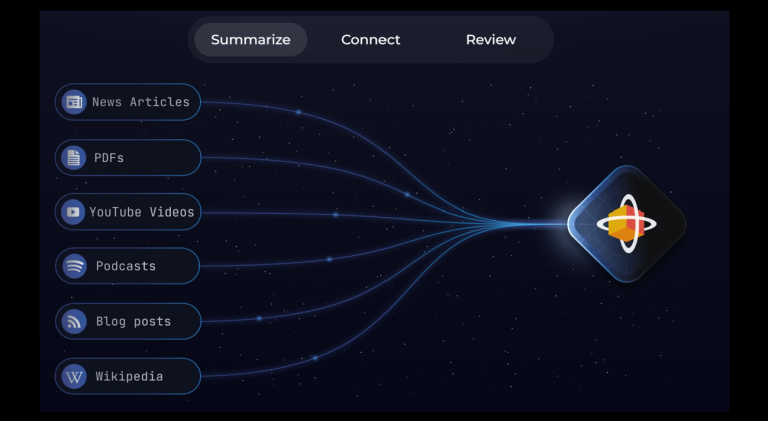
Apart from summarizing YouTube Videos, Get Recall has other tools that summarize PDF Files, Blog Posts, News Articles, Wikipedia, and Podcasts. Check out my blog post, The Essential Guide to Get Recall AI—Summarize PDF, YouTube Videos, Blogs, and More, for more information.