11 Advanced AutoCAD Modify Tools
AutoCAD offers a plethora of tools for modifying drawing. We covered some of the modify tools such as…

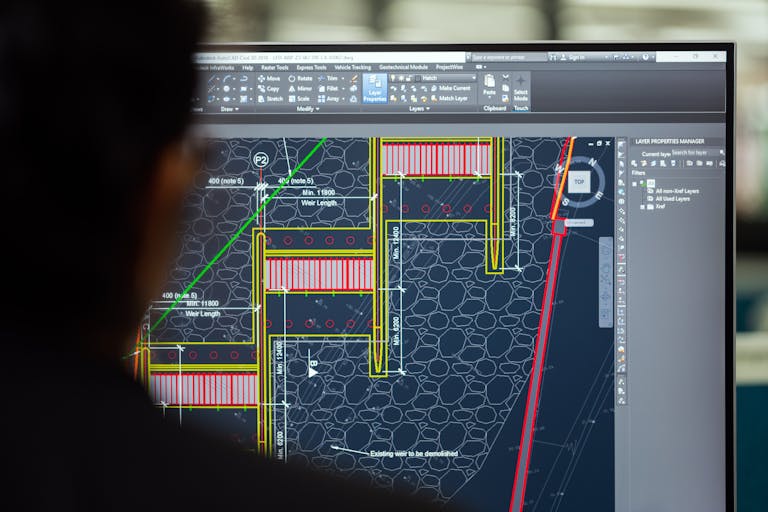
AutoCAD offers a plethora of tools for modifying drawing. We covered some of the modify tools such as…

In the recent years SlidesGo has emerged as a powerful in the Education Industry, offering tools and templates…
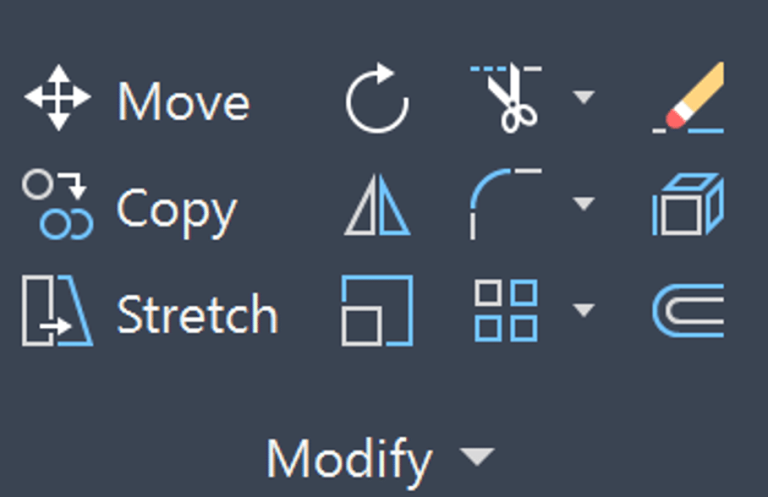
At the heart of AutoCAD lies a powerful set of basic modify commands that transform the process of…
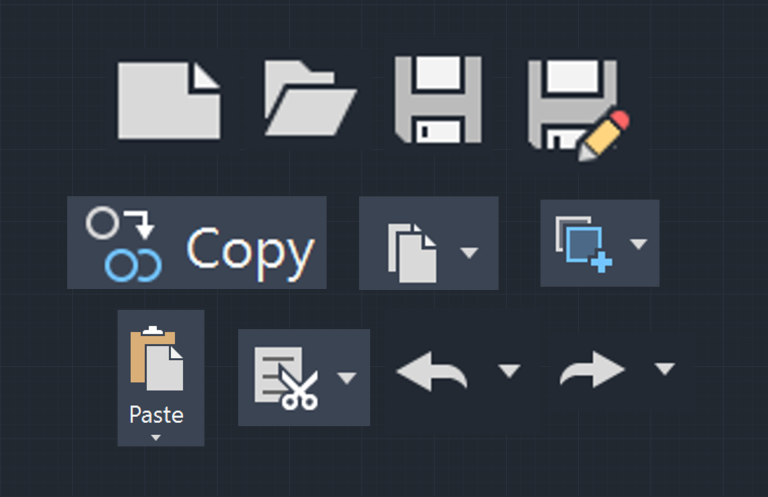
AutoCAD can be daunting, but surprisingly there are several AutoCAD intuitive commands which you likely use daily in…

SlidesGo revolutionizes the way we build extraordinary presentations and learning materials. Whether you’re a veteran using SlidesGo or…

SlidesGo is a modern-day AI-driven presentation maker, revolutionizing the way we approach visual communication in the digital age….
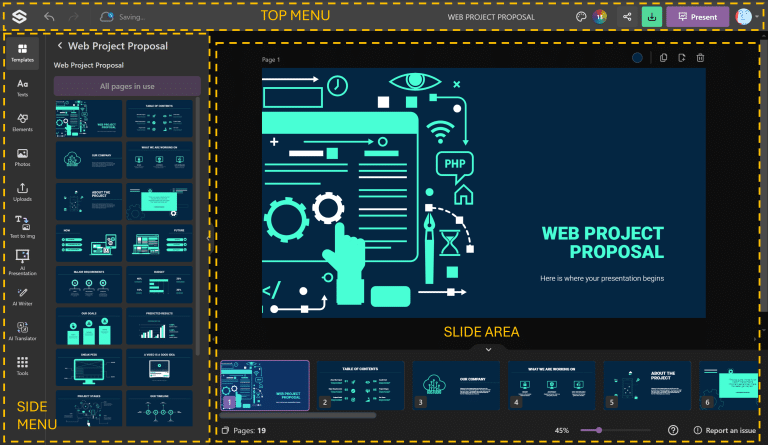
SlidesGo User Interface is pretty comprehensive. It is a wonderful tool for building presentations by providing a prompt…
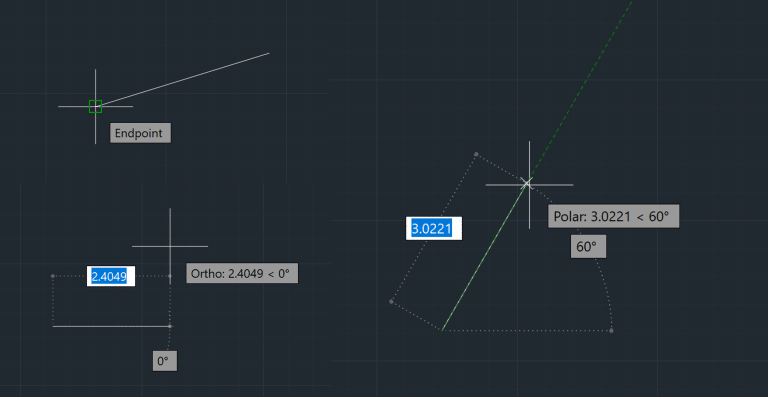
In the world of engineering, accuracy and precision are paramount. AutoCAD Object Snaps, Ortho Mode, and Polar Tracking…

Now that you have learnt one-dimensional drawing tools in AutoCAD, its about time to learn the two-dimensional AutoCAD…
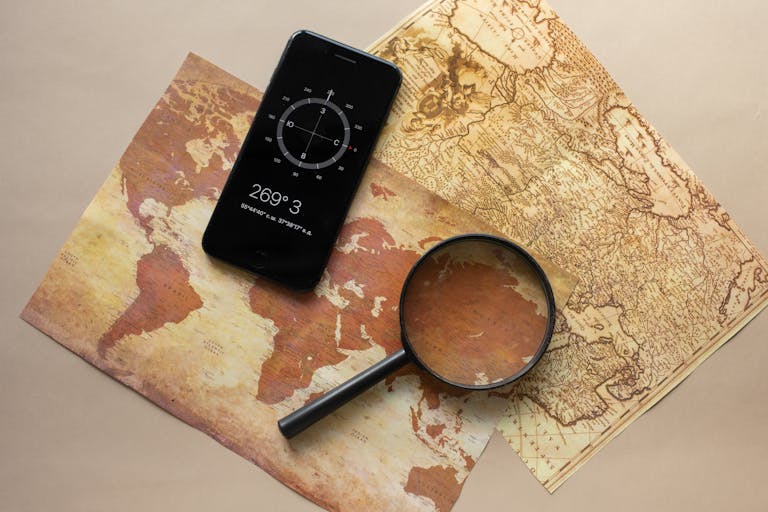
AutoCAD Coordinate System is based on Cartesian Coordinate System and it has X, Y & Z axis. To master coordinates in AutoCAD there are 5 key things you will need to master ID Command, Cartesian Coordinate System, Polar Coordinate System, World Coordinate System (WCS) vs User Coordinate System (UCS) and DVIEW (Dynamic View).
End of content
End of content